It will now be installed from CD/DVD onto the partitioned area of Hard Drive
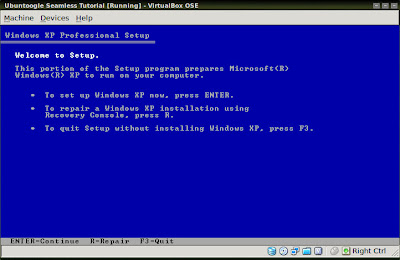 >
>Enter
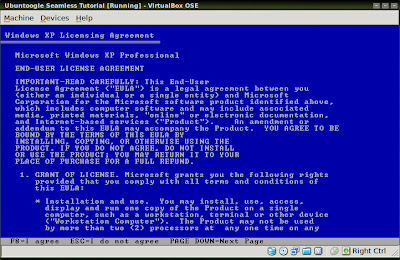
F8
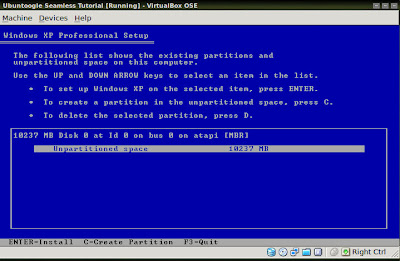
C
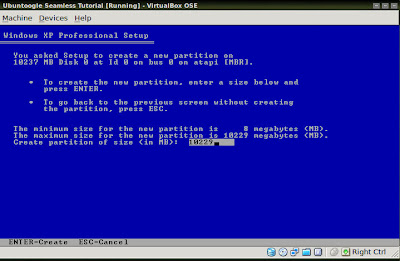
Enter
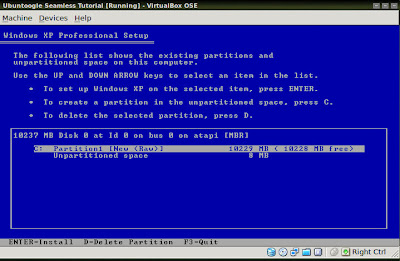
Enter
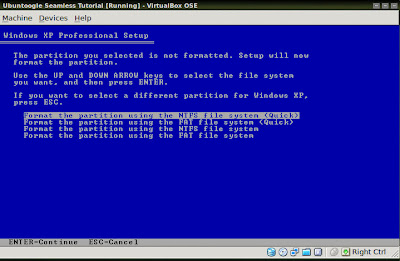
Enter
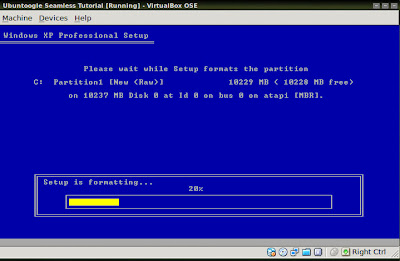
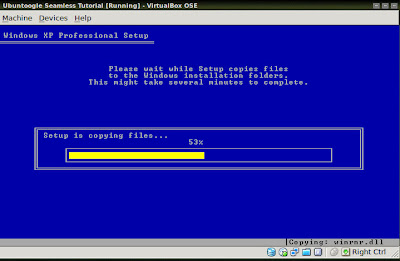
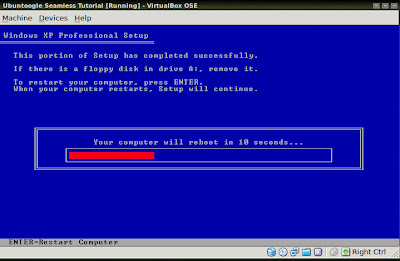
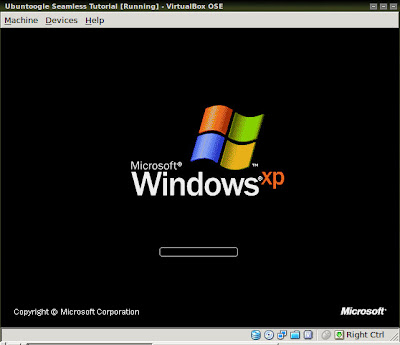
Upon reboot of the VM you will see the familiar Windows logo
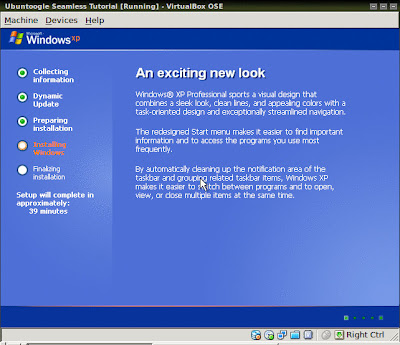
And now the real installation can begin
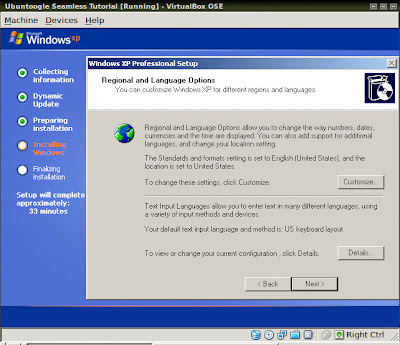
Click 'Next' on the Regional configuration window
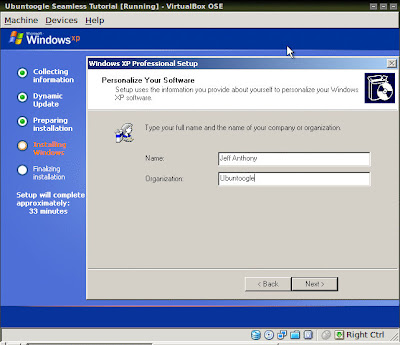
Personalize the System
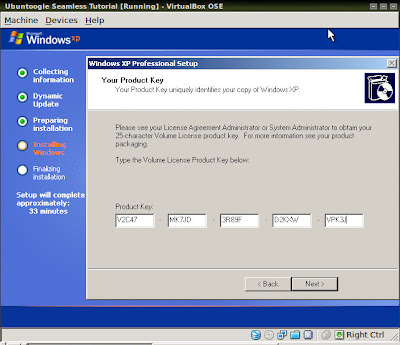
Enter your Registration key
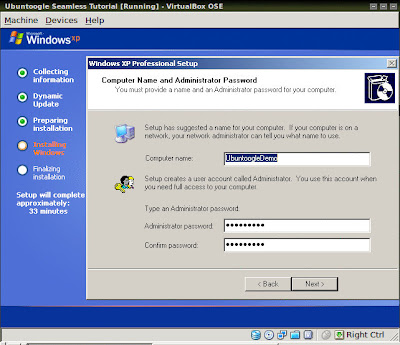
Computer Name and Administrator Password
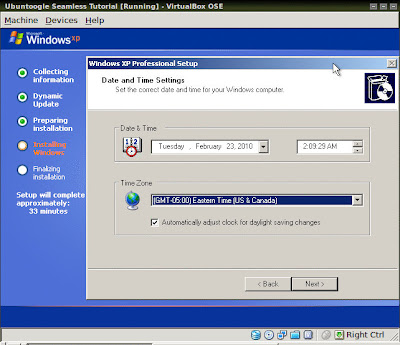
Date and Time Settings
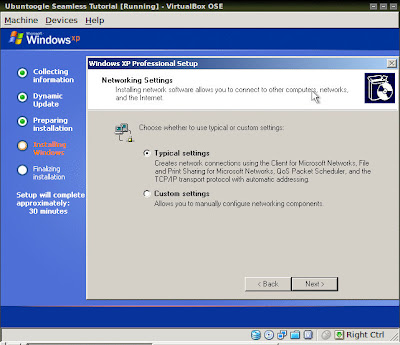
Select typical Netowrk settings
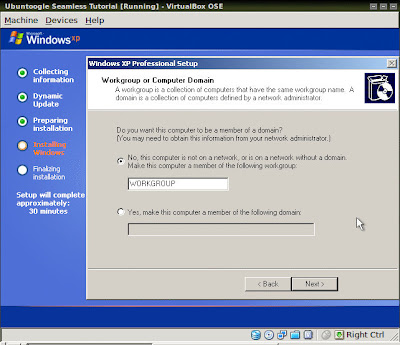
Keep the Default Workgroup unless you have reason otherwise
These screens made me chuckle
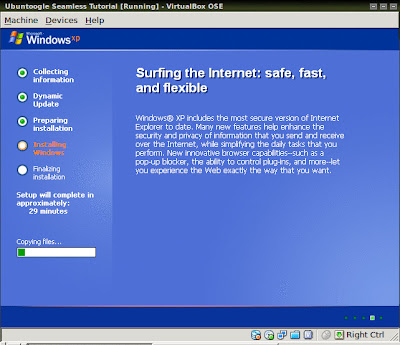
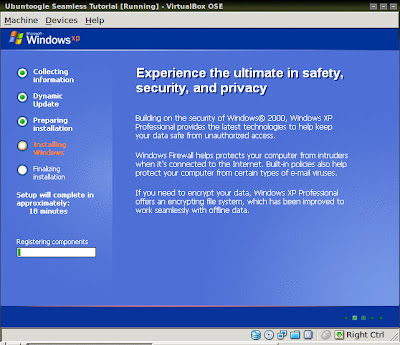
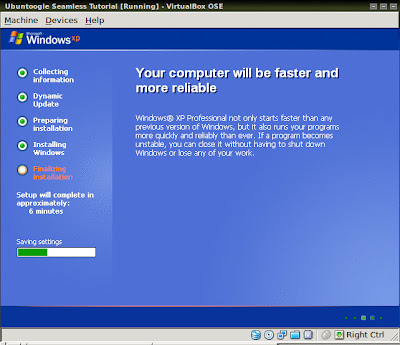
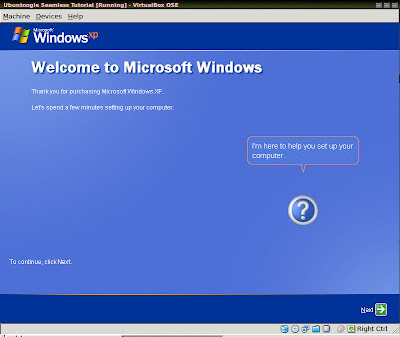
Eventually you'll see the last series of configuration screens
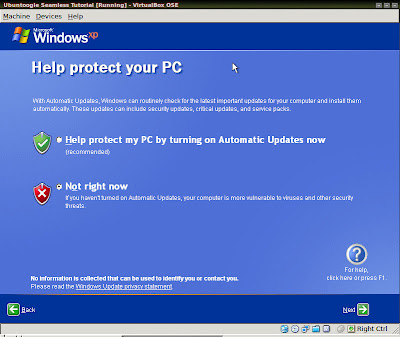
I suggest turning off Automatic Updates
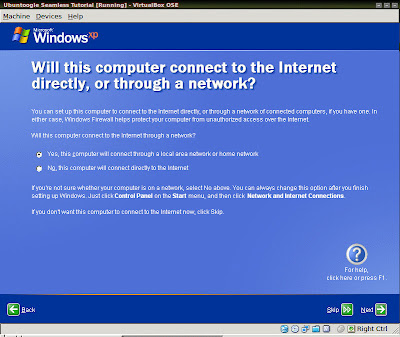
Skip Network Setup
I suggest not Registering unless you need to
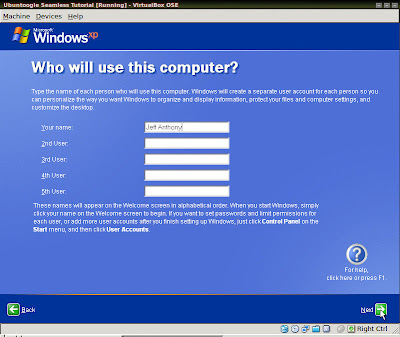
Finish
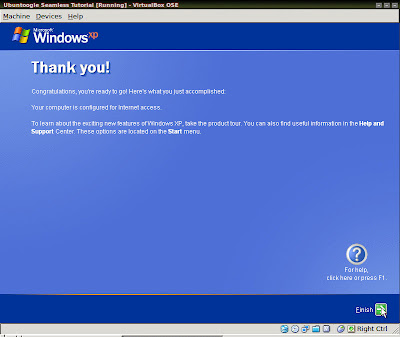
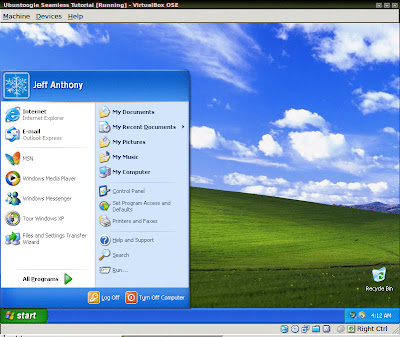
Now you've installed Windows on the VM.
From here I installed Silverlight 4 and the Silverlight Facebook client (Moonlight is not quite there yet), My Crossloop Expert assistance reverseVNC server and Everquest for playing on EQEmu.
Once you've installed whatever you like go ahead and move on to part 3 - Seamless Mode


No comments:
Post a Comment